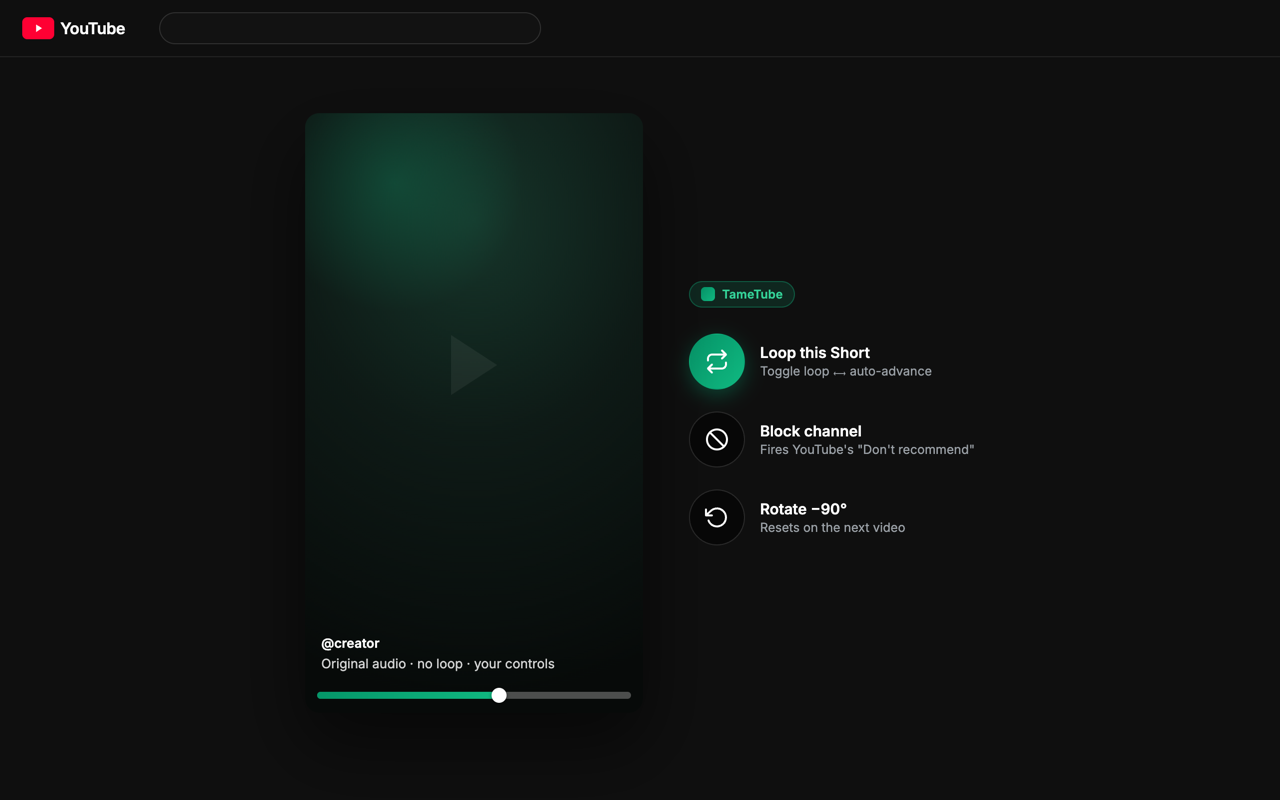
Shorts, fixed Disable the endless loop, kill the background-audio bleed when you scroll, and auto-advance to the next Short when one ends.
One flick, one Short Fixes free-spinning mouse wheels (Logitech MX Master and friends) overshooting or bouncing — every flick advances exactly one Short.
Keyboard shortcuts On Shorts, tap L to like, D to dislike, S to subscribe — and they never fire while you're typing a comment.
Filter your feed Hide channels or title keywords / /regex/ from home, search, and the sidebar — removed before they render, with no flicker.
One-click block Hover any video for a block button, or block a channel straight from the Shorts player — it fires YouTube's own "Don't recommend" too.
Original audio & titles Restore the creator's original audio track (no auto-dubbing) and the original video title on the watch page — not YouTube's machine translation.
Rotate video Cycle the player through −90°, +90°, and back with a click, on both watch pages and Shorts. It resets automatically on the next video.
Private by design No accounts, no servers, no tracking. TameTube requests only the storage permission and runs solely on youtube.com.